Bring your own device
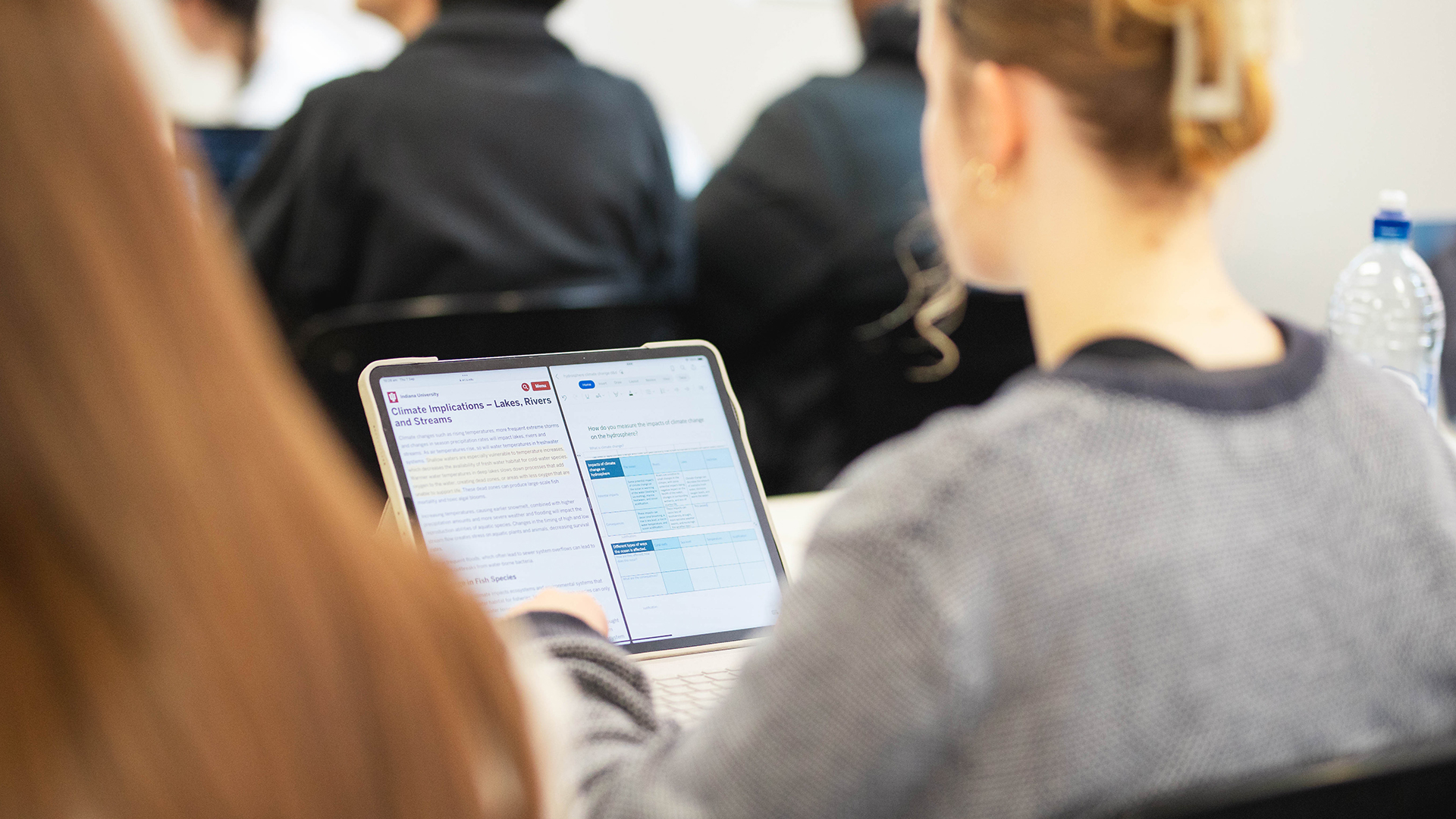
All USC students use their own devices for study, from which you can access the University’s high speed Wi-Fi network. Support is provided by our IT team and the IT team at Adelaide University.
While the College has no minimum technical requirements for devices, we recommended to follow the SACE minimum requirements.
When choosing a device consider the following:
Both Windows and MacOS devices are acceptable. Chromebook or devices with android operating system do not meet the SACE requirements and therefore are not recommended.
Purchased within the last 3 years
MacBook running macOS Sequoia or above; OR Windows Laptop or 2-in-1 device running Windows 10 21H2 or above
Battery Life: 6 hours or greater is preferable.
Minimum 13” Screen (measured diagonally). Anything smaller than this can impact on eye fatigue, if using the device for prolonged periods of time.
Storage. Most devices currently on the market, come with adequate hard drive space. Cloud storage is also an option, but not all Cloud storage solutions are accessible at school. The College will provide students with access to cloud storage.
Memory to accommodate more advanced software. A minimum of 8GB of RAM as students wishing to use more advanced software programs will require 8GB of RAM or greater.
Wi-Fi. Almost all new devices or devices purchased within the last three years have a suitable wireless card. If you are unsure, please bring your device into school and the ICT Support Staff will be able to check to ensure the wireless card is suitable
Camera/internal microphone.
Tablets and iPads (including iPad pro) do not meet the technical requirements for SACE e-exams and therefore they are not recommended.
iPads are useful devices for many activities including Art but are not a replacement for a laptop.